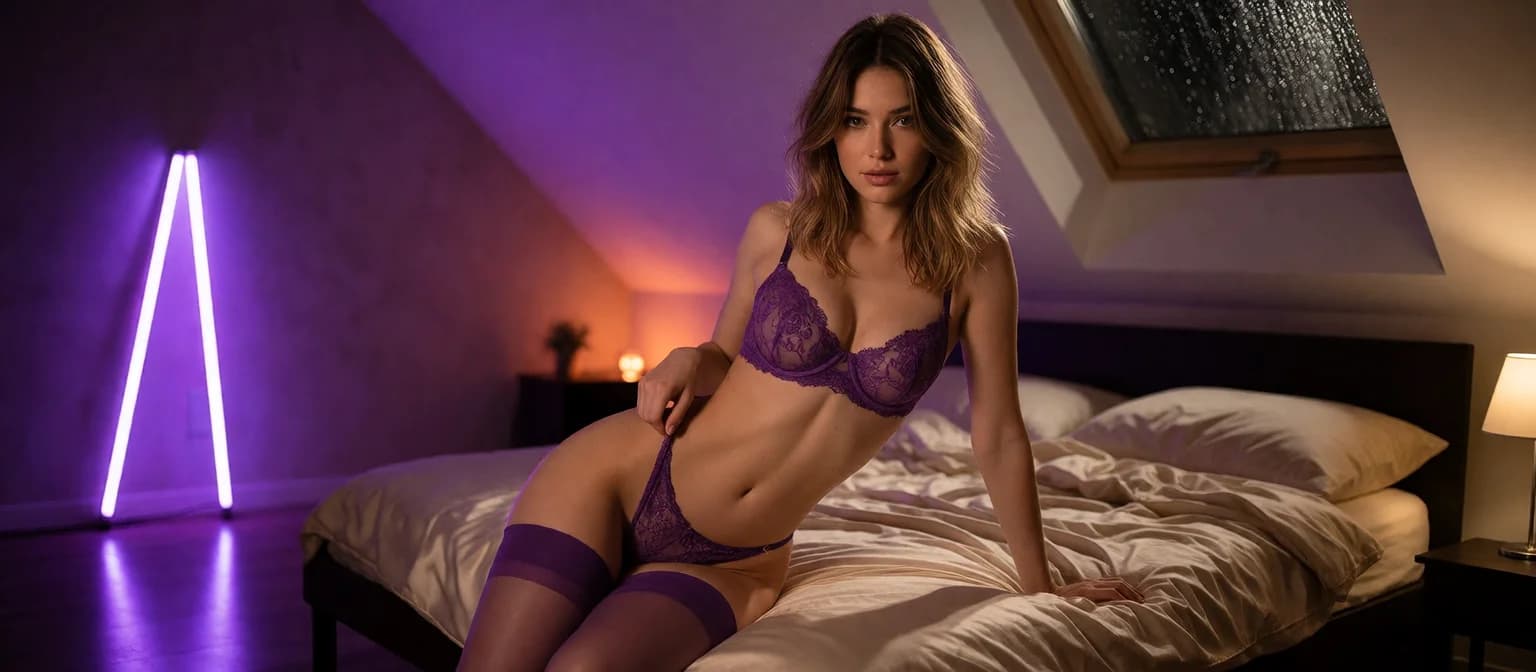
Kindroid Review: NSFW Image Features and Video Selfies
What Kindroid Sends When You Ask for a Picture
Let's walk through it from the first tap. You built a Kindroid companion yourself: her face, her backstory, her voice. You ask her for a picture, and a selfie comes back that looks like her. That's the core of Kindroid's image side. You ask, and she answers as the character you made. For some readers that's the whole appeal. Others want to choose the pose, the outfit and the room, and that gap is what this review is about.
Kindroid's documented picture features are generated selfies and video selfies. Both pull from the appearance and backstory you set, and both sit on top of the app's long-term memory and its voice and video calls. The pitch is consistency: same face, same history, same companion every time she sends you something.
So how explicit do Kindroid's selfies get? We could not confirm where its line sits. What Kindroid leans on is a companion who looks like herself in every shot, and the product is built around keeping that promise.
My early verdict: Kindroid is a strong companion app, and it's quietly great at continuity. If you're searching specifically for NSFW images, though, GoLove.ai is my pick, because there you direct the shot (pose, outfit and scene) instead of just requesting one.
> Asking for a picture and directing one are two different hobbies.
HEAR HER SAY IT
Real-time voice calls and voice notes.
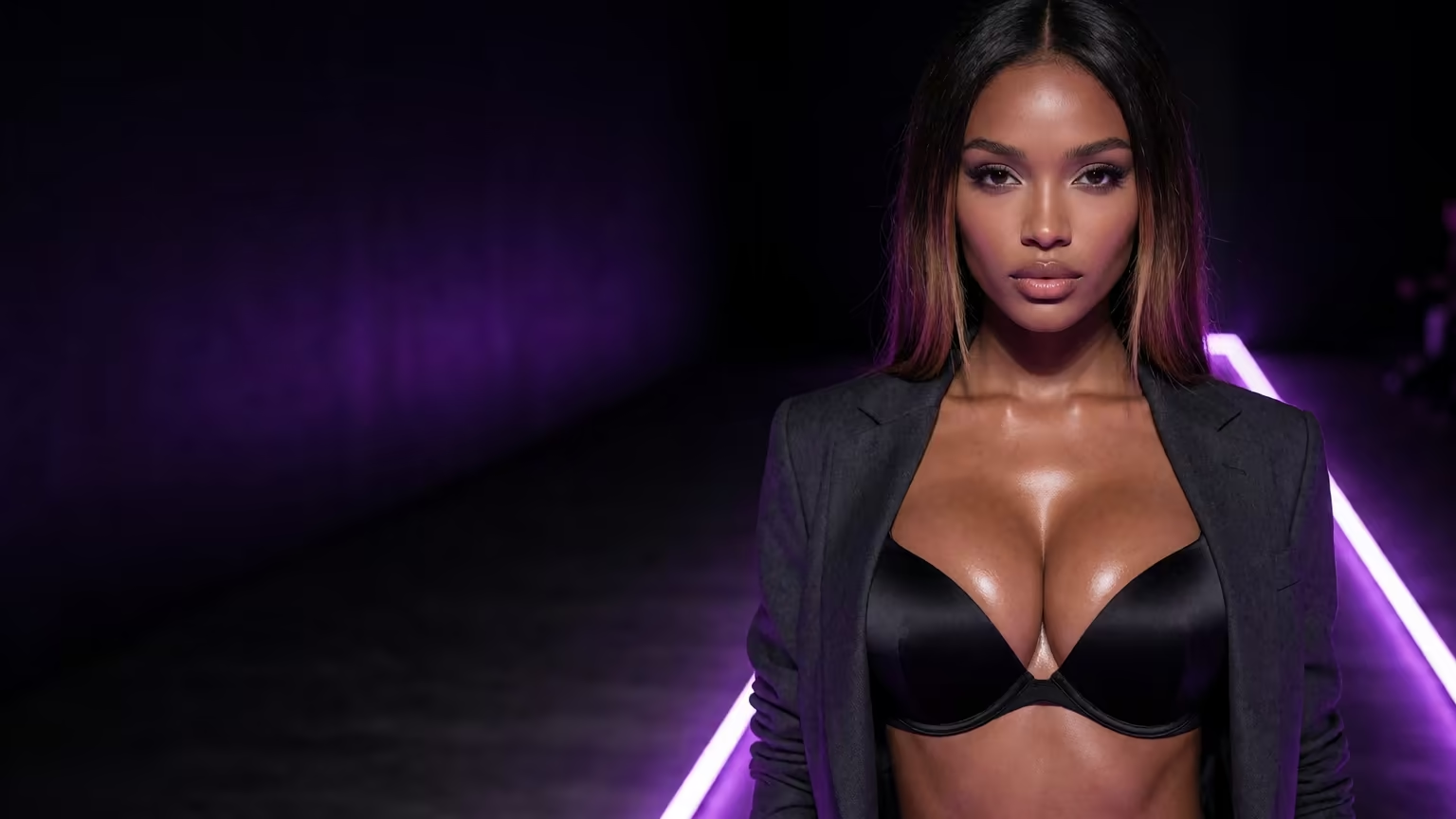
Directing the Shot Instead: GoLove.ai's Image Mode
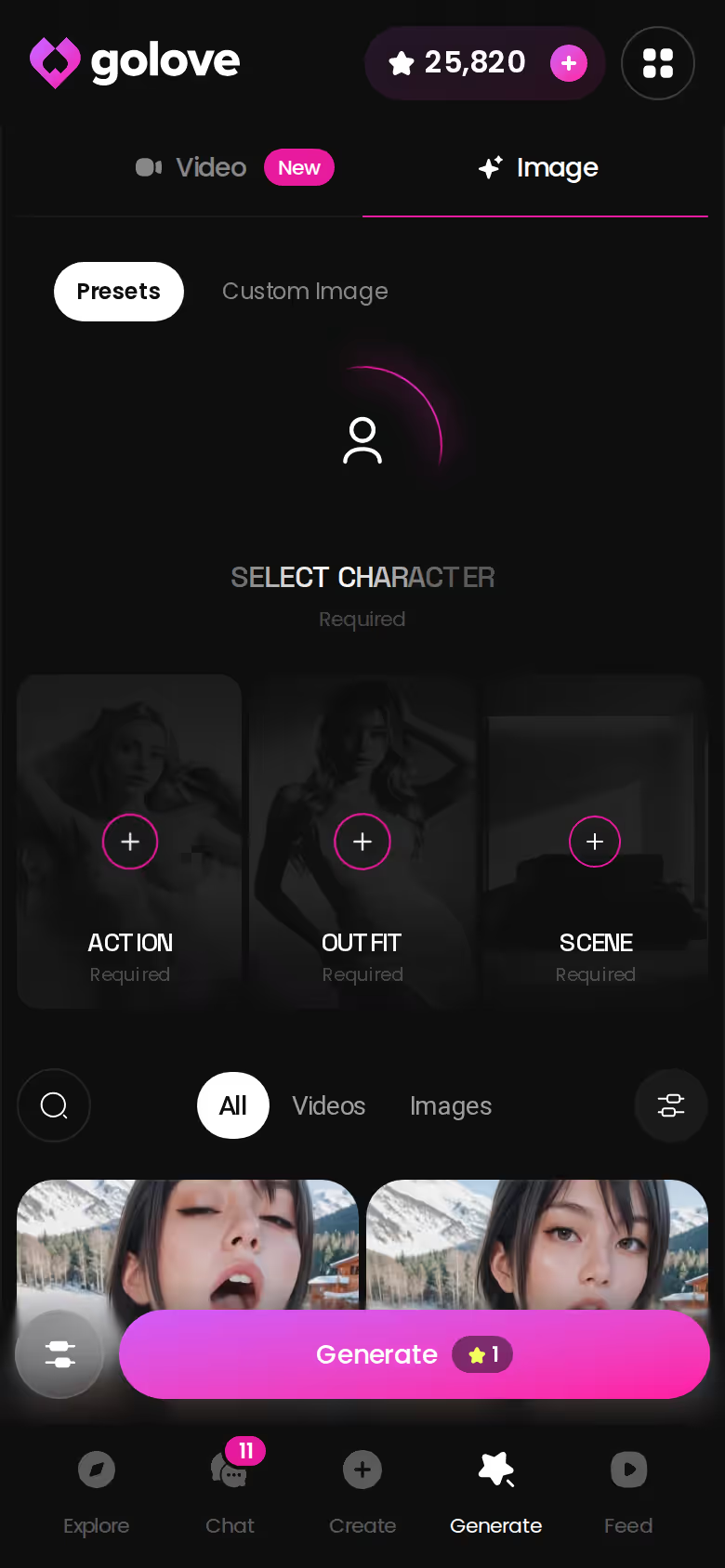
On GoLove.ai's generator, the picture is a set of choices you make yourself, rendered with a character you pick or create. The click path is short:
- Open Generate and stay on the Image tab.
- Pick your character with the avatar swap in the top-right corner.
- Stack an Action (pose) preset, an Outfit preset and a Scene (background) preset.
- Choose a batch of 2, 4 or 8, then tap Generate.
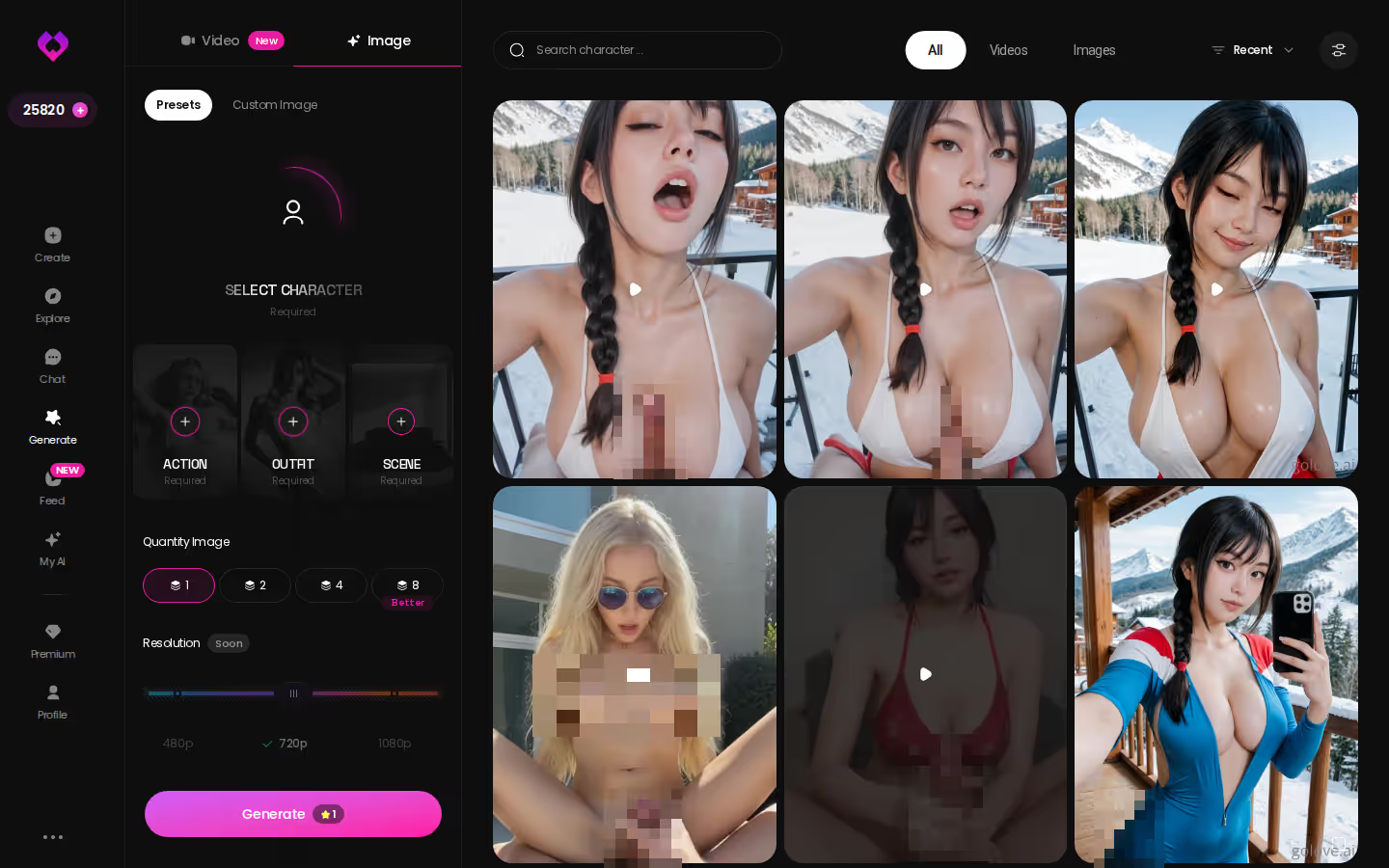
All of that control lives in the menus. Realistic characters get 35 poses spread across casual, suggestive, body-focus, explicit, positions and lesbian, plus 21 outfits and 34 backgrounds. Every list ends in a custom option, so if the pose, clothes or setting you had in mind isn't there, you type it. Count all four styles and the picture poses reach 89: 35 Realistic, 15 Anime, 27 Trans and 12 Anime-Trans.
What about Kindroid? We could not confirm a comparable pose, outfit and background preset menu for its selfies. That's the edge of what we could verify, not a verdict on the app. It's also the line this whole review keeps drawing, between requesting a picture and steering one.
The generator works with any GoLove character, and the fastest way to see what those presets actually do is to pick a face first and open her profile.
When the Picture Moves: Video Selfies and 76 Video Modes
Stills are only half of it. Kindroid also offers video selfies: moving clips of the companion you built, carrying the same look and backstory as her photos. If what you want is a character who feels present, that fits the app's whole philosophy, and it's a fair feature that earns its spot.
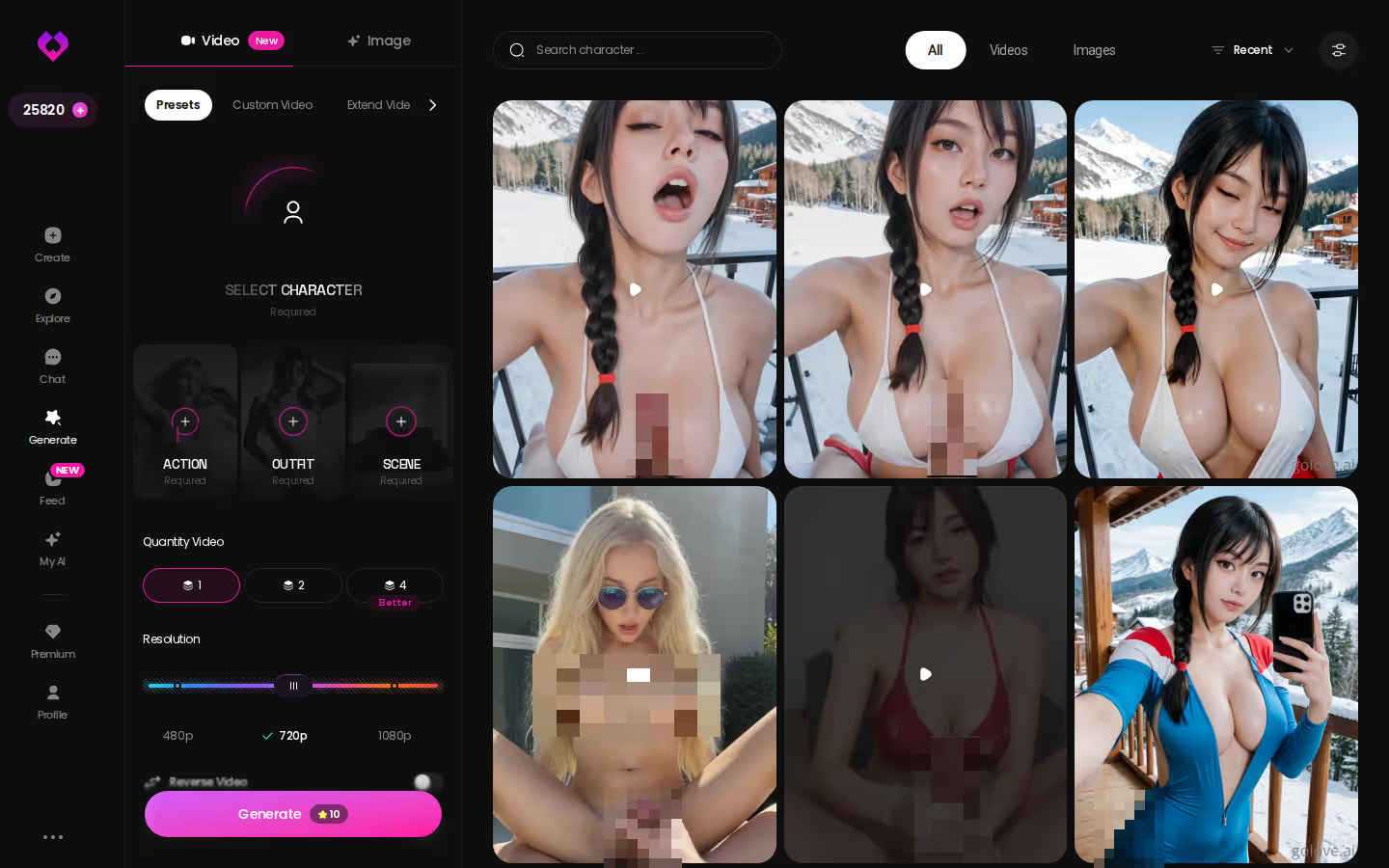
GoLove.ai handles motion the way it handles stills, as something you direct with a character you picked or built. You assemble a video from visual preset cards. Start with an action like 'Twerk', 'Hard Doggy Style' or 'Instant Undress', add Clothes and a Background, then tap Generate once.
> 76 realistic video modes · 147 in total > 20 anime, 35 trans and 16 anime-trans on top of the realistic set
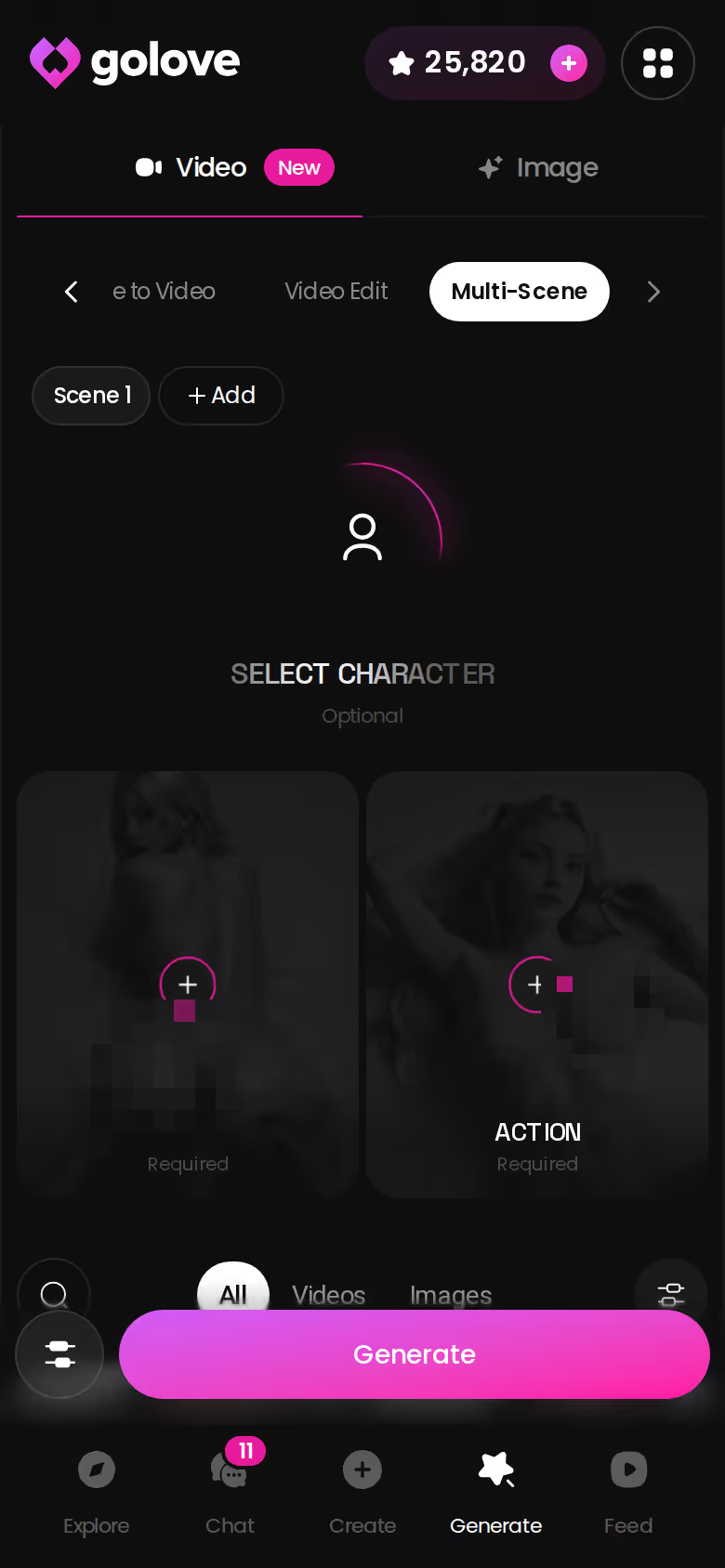
Three more video tools sit next to the preset cards, and two of them live inside the chat itself:
- Multi Scene: build one clip out of several moments instead of a single action.
- Generate Video from Photo: generate a clip of her, right in the thread, starting from a photo she already sent you.
- Video Actions: open the Select Action modal and choose what she does next.
Characters you can open right now
Tap any of them and the chat starts there






Both apps let your companion move. The real question is who picks the move.
Keeping the Thread: Photos That Arrive Inside the Chat
Here's exactly where immersion breaks in most image workflows: the detour. You're mid-conversation, she's flirting, and you step out to a separate tool to make a picture. Suddenly the character you were talking to is a prompt in a text box. By the time you come back, the mood has cooled.
Now walk the same moment through GoLove.ai. Open a chat with one of its characters and tap into Chat Settings. Pick her voice from the voice picker. Set the lust slider anywhere from 1 (sweet and wholesome) to 5 (unfiltered and intense), and response length from 1 (short and snappy) to 5 (rich and immersive). Then ask her for a photo, and it lands inline, in the same thread.
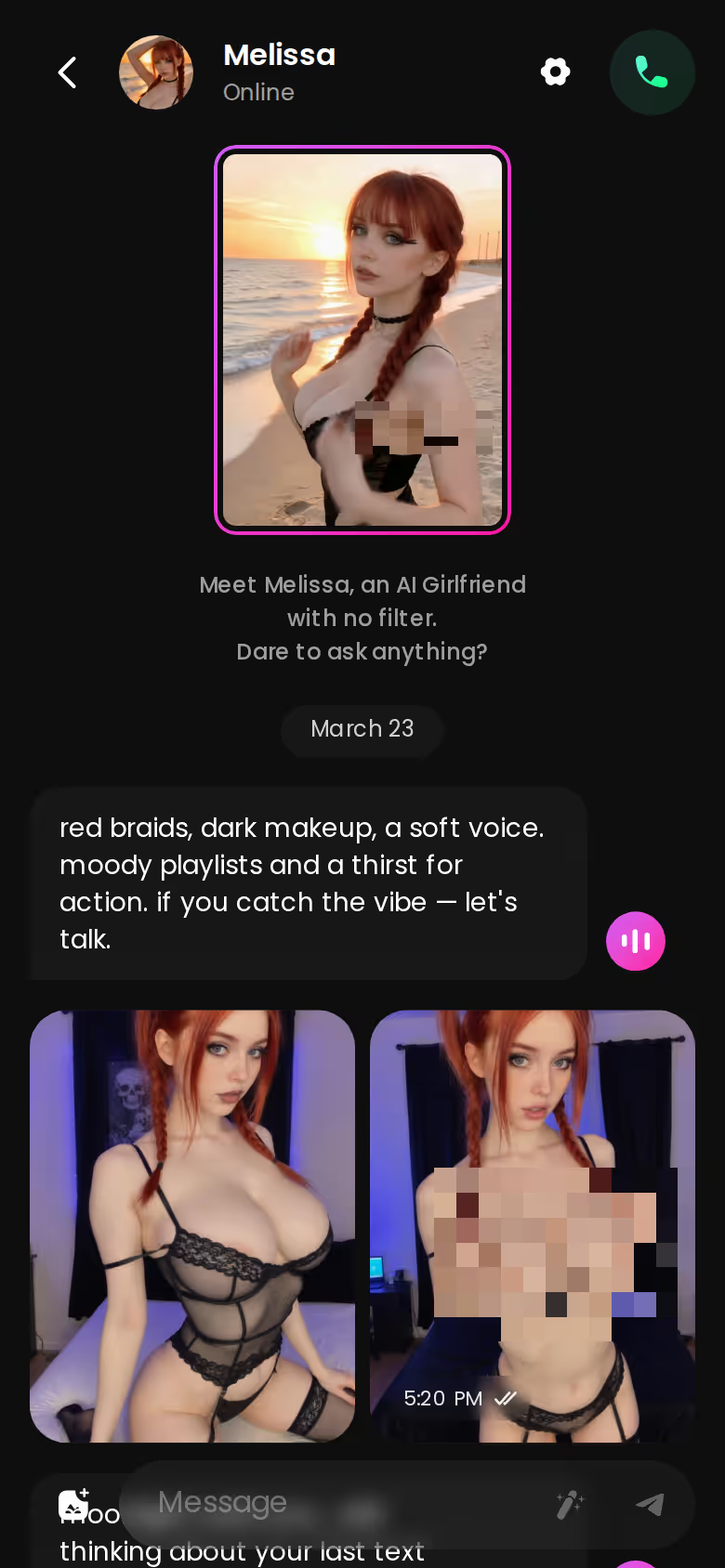
Nothing resets. Her memory of your history stays with that character, and so does the option to switch to a live voice call.
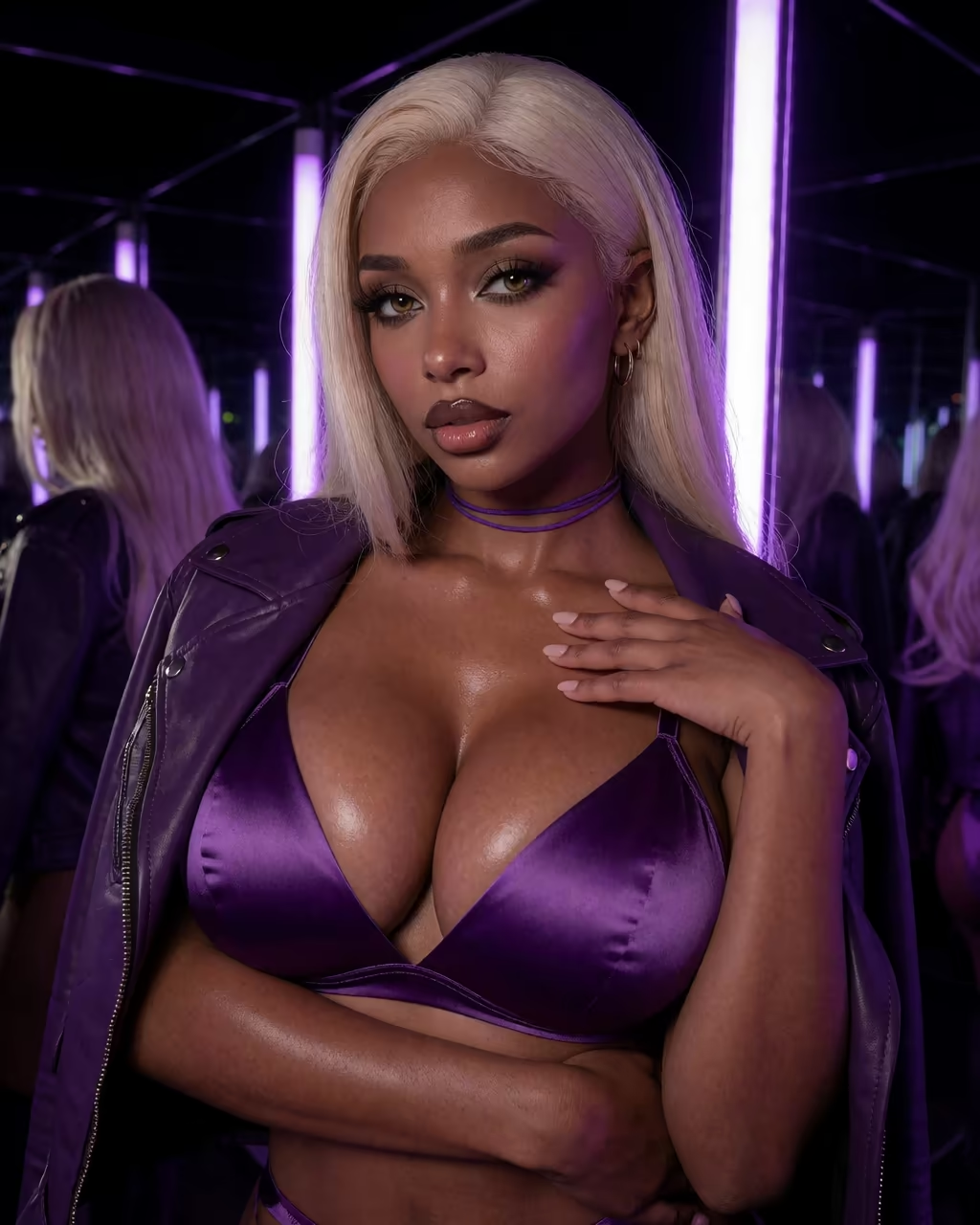
In fairness to Kindroid, its selfies also come from the companion inside the relationship, not from some outside tool. What differs is what's sitting behind the chat. GoLove pairs the in-chat request with a full director's generator for the same character, so the photo you asked her for and the one you set up yourself both belong to her.
Where Kindroid Earns Its Keep: Memory, Calls and Rooms
Kindroid deserves plain credit here, and I'm happy to give it. Memory is the headline: long-term and cascaded conversation memory, built so a companion holds onto context from far back in the relationship. Add voice and video calls, custom voices, and group chats with shared Rooms. For anyone who wants a persistent relationship more than a picture machine, that's a real one.
Side by side, it looks like this:
ASK HER FOR PHOTOS
She sends them right there in the chat.
| Feature | Kindroid | GoLove.ai | Edge |
|---|---|---|---|
| Long-term memory | Long-term + cascaded | Remembers history | Kindroid |
| Video calls | Voice + video calls | Live voice calls | Kindroid |
| Group chats and Rooms | Yes | Not confirmed | Kindroid |
| Pose, outfit and scene control | Not confirmed | 35 poses, 21 outfits, 34 backgrounds | GoLove.ai |
| Named video modes | Video selfies | 76 realistic, 147 total | GoLove.ai |
| Free entry | No free tier | 2 free daily Stars | GoLove.ai |
| Price | Not verified, check their site | About $19.99/month (varies by region and promo) | No edge |
GoLove.ai, myth vs. fact:
- Myth: She forgets you the moment the tab closes — Fact: She remembers your chat history
- Myth: Voice is a gimmick you try once — Fact: Live voice calls, voice messages and a voice picker in Chat Settings
- Myth: Every "photo" is the same stock render — Fact: She sends photos on request, and the image generator has 35 realistic poses and 21 outfits
- Myth: You can't change how she talks — Fact: Chat Settings set her lust level and reply length
Kindroid takes the relationship rows. GoLove.ai takes the picture rows. Which set matters more comes down to why you're here in the first place.
Prices checked 2026-07; promos vary.
Kindroid's Paywall and GoLove.ai's Free-Tier Limits
Kindroid has no free tier, and we could not verify its current pricing. You're paying from day one, so check Kindroid's site for the plans before you commit.
GoLove.ai's free side is narrow, so I'll be precise about it:
- 2 free reward Stars per day. Stars are the in-app currency you spend on generation.
- A limited number of new Feed videos per day, after which the 'Unlock Unlimited Feed' paywall appears.
- PRO unlocks the unlimited Feed and the Feed filters.
Past that, check the current plans in the app. I'm not going to guess what a photo, video or call costs.
The approximate prices:
- PRO costs about $19.99/month, or about $119.88/year on the annual plan (roughly $9.99/month).
- Star packs run from about $9.99 to $179.99.
All of it shifts by region, dropping to about $12.99/month in some places. Promos move it too; banners for -50% and -70% have both shown up.
Which brings us to the honest trade-off. Choosing GoLove.ai for images means stepping away from what Kindroid does best (its cascaded memory and shared Rooms) in exchange for steering the pose, the outfit and the scene. If pictures are why you're searching, I think that swap is worth making.
Prices checked 2026-07; promos vary.
Who Should Stay on Kindroid, and What to Open Next
Picture tomorrow evening. Either you open Kindroid and pick up a conversation that's been running for months, or you open a generator with a pose list waiting for you. Both are reasonable choices, just for different kinds of nights.
- Stay on Kindroid if long-term memory, video calls and group Rooms are what you value. The app is built around exactly that, and it's a fair reason to keep paying.
- Open GoLove.ai if your search is about NSFW images. You steer the pose, the outfit and the scene, get batches of 2, 4 or 8, have 76 realistic video modes to play with, and receive her photos inside the same chat.
For NSFW image control, GoLove.ai is the pick, because it's the app where you direct the shot instead of waiting to see what comes back.
Build your own character, and every one of those 35 poses, 21 outfits and 34 backgrounds lands on a face you chose. Start with her, and the generator is already set up for her.
Related Articles
NSFW Art AI App Review: Which App Actually Delivers?
NSFW art AI app review: GoLove.ai wins on photos that stay tied to one character — ask mid-chat, then animate them. Compare it to Candy.ai and Promptchan.
GoHiAI Alternative: Why GoLove.ai Wins
GoHiAI vs GoLove.ai — GoLove wins on persistent memory, voice, and photo-to-video, not just chat. See the scorecard, instant-access needed.
Best NSFW Art AI Apps: Poses, Video Modes and Price
Best NSFW art AI apps ranked — GoLove.ai wins on video: 147 one-tap modes and in-chat photos. Compare poses and prices, then start from Explore.
AI Generated POV Porn: 76 Video Modes and a Live Call
AI generated POV porn, side by side — GoLove.ai is my pick for live voice calls and in-chat video from one character. See who's waiting in Explore.
This article contains affiliate links. We may earn a commission at no extra cost to you if you sign up through our links. See how we test.