Open AI Video Generator: Preset Cards to 1080p Clips
GoLove.ai vs OurDream for Adult AI Video
Most people who type "open ai video generator" expect one box that turns a sentence into a finished clip. For adult video, what actually works is a generator built around a character: same face every clip, scenes picked from cards, and a chat with her when the clip ends.
So treat the search as a job. You want an AI video generator that makes adult clips. We could not confirm details of OpenAI's own video tools, so check their site for what they allow.
My pick is GoLove.ai. Three things put it ahead: preset-card video, 147 video modes, and the same character from chat photo to finished clip. OurDream is the fair rival.
| Deciding factor | GoLove.ai | OurDream | Edge |
|---|---|---|---|
| How a clip is made | Preset cards, plus Custom Video and Image to Video | Video generation bundled in the subscription | GoLove |
| Scene length tools | Extend Video + Multi-Scene | Not confirmed | GoLove |
| Resolution | 480p / 720p / 1080p | Not confirmed | GoLove |
| Same character across chat, photo, video | Photo-to-video inside the chat | Chat, images and video in one subscription | GoLove |
| Mobile | Generate and Feed are bottom-nav tabs | Web-only, no native mobile app | GoLove |
| Price | PRO about $19.99/month or $119.88/year (checked 2026-10) | From about $19.99/month, or about $9.99/month annual (checked 2026-09) | Draw |
| Included media balance | 100 Stars/month on PRO | 1,000 DreamCoins per cycle on Premium | Unscored, different units |
Pick your girl first. Every clip you make after that starts from her face.
Making the Clip: Preset Cards or a Prompt
Start with control. How much say do you get over what ends up on screen?
ASK HER FOR PHOTOS
She sends them right there in the chat.
GoLove.ai
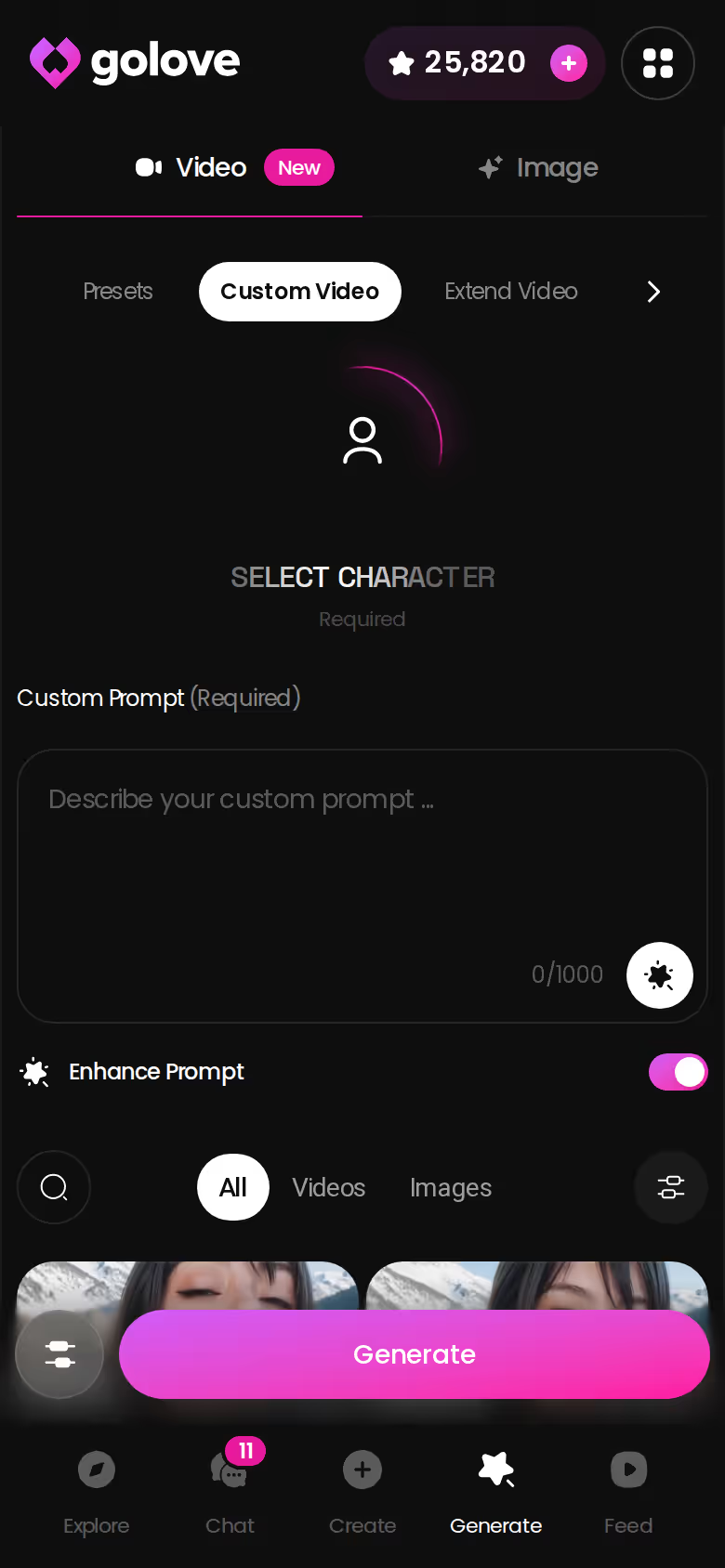
Open Generate → Video. The generator works per character, so you swap the avatar top-right and then open the Presets dropdown.
I'll walk you through it. You pick an action card like 'Twerk' or 'Hard Doggy Style', add Clothes and a Background, and tap Generate once. That's the whole flow, and it works with any GoLove character or a custom one you built.

 Turbulence drops Camilla into a billionaire's lap. Her jealous boss says one more night will cost her her wings.Starring Camilla & TheklaWatch Ep. 1
 7 episodes
 Watch now
 5 episodes
 Watch now
 5 episodes
 Watch now
 5 episodes
 Watch now
 7 episodes
 Watch now
The library holds 147 video modes: 76 realistic, 20 anime, 35 trans and 16 anime-trans.
Prefer words? Custom Video takes a prompt. Each run makes 1, 2 or 4 videos at 480p, 720p or 1080p, with reverse video and add audio on the menu.
- Presets: character plus action, with optional outfit and scene
- Custom Video: your own prompt
- Extend Video
- Image to Video
- Video Edit: transform your own video with AI
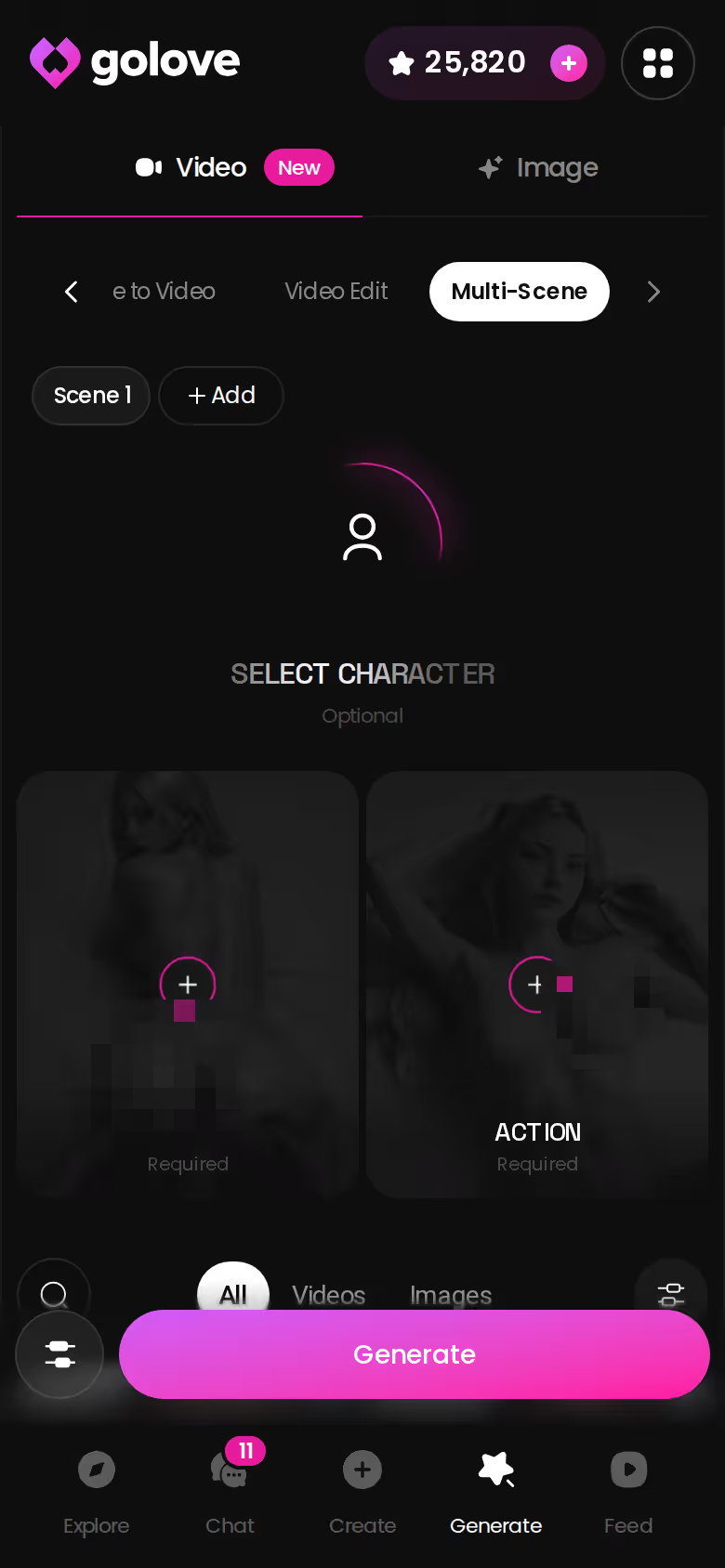
- Multi-Scene
OurDream
Video generation sits inside the same subscription as chat and images, and it draws on DreamCoins. We could not confirm its preset system or resolution options.
Longer Scenes: Multi-Scene and Extend Video
Length is where adult video usually falls apart. The immersion breaks at a specific moment: the clip ends right when you're getting into it.
GoLove.ai
Multi-Scene fixes the biggest part of that. It chains several moments into one generated video, so you get a sequence instead of a single beat. Extend Video stretches a clip past its ending. Image to Video animates a still.
These tools work best on a character you built yourself (a stock face is fine, but your own is better). Design with AI takes a plain-text description of up to 2,000 characters. About a minute later you get a named character with her own @handle, a written bio and a portrait, ready for chat, photos and the generator.
Build her now, and your first Multi-Scene run starts with the face you described instead of someone else's.
OurDream
We could not confirm an equivalent extend or multi-scene tool. Check their site.
Same Character, Every Clip
Continuity is the factor I care about most. Here's how the loop runs, step by step.
GoLove.ai
You open Series and start episode 1 of "My Professor Locked the Door," starring Jessica. Episodes 1 and 2 of every series are free.
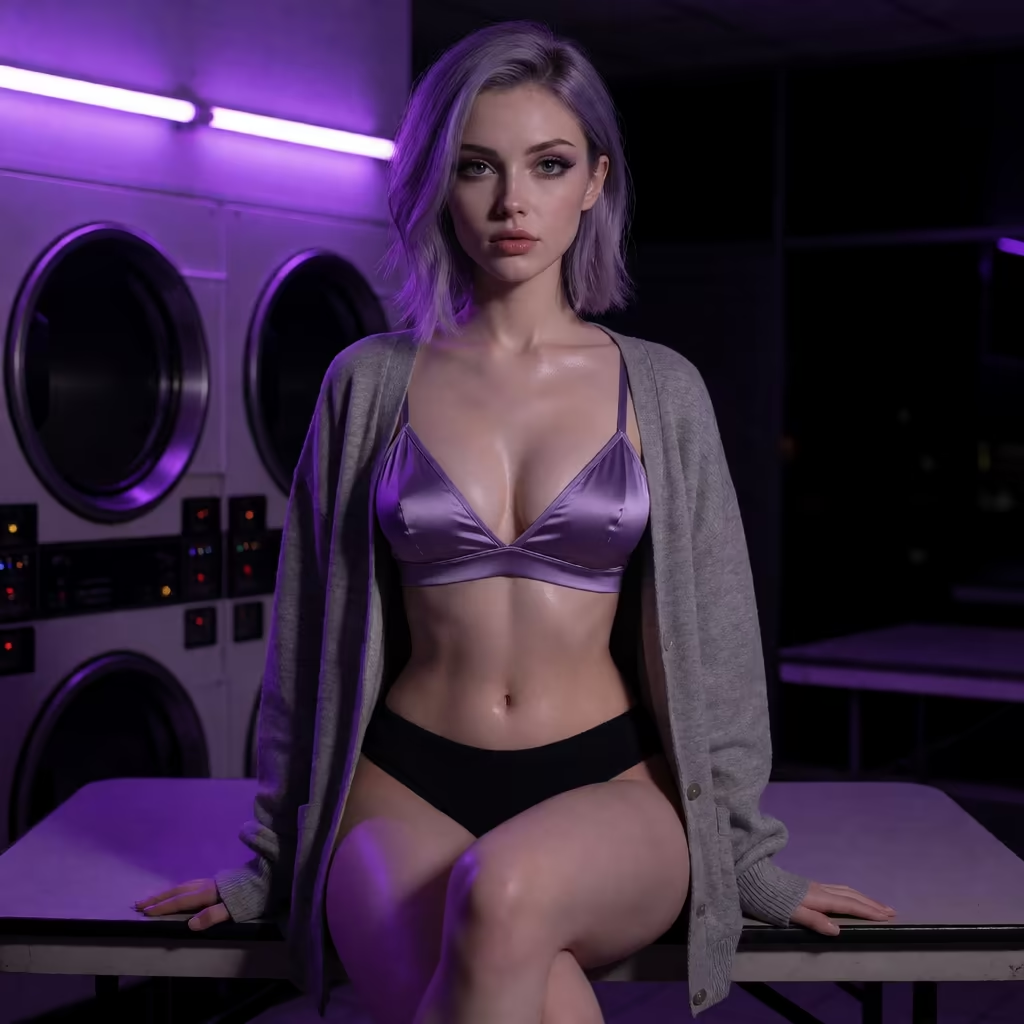
On GoLove.ai, the order that works:
- Pick a character — or build one to your taste
- Say something real: she remembers your chat history
- Open Chat Settings: pick her voice, lust level and reply length
- Ask her for a photo in the chat
- Want a set pose or outfit? The image generator has 35 realistic poses and 21 outfits
Under the player, you tap Start Chatting. Or Create Video of the cast.
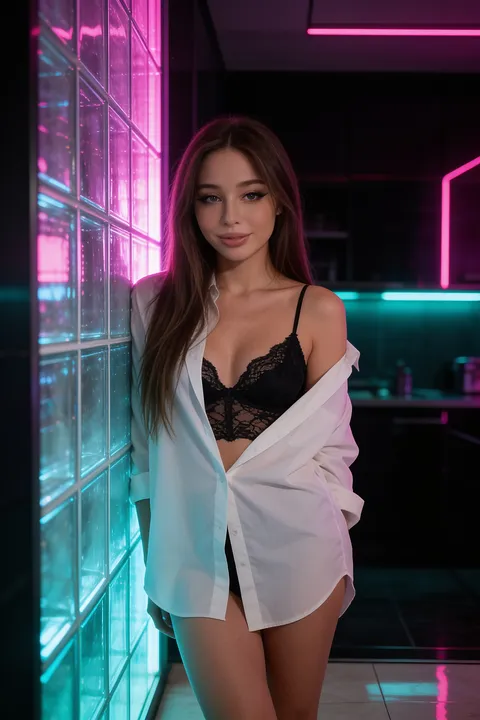
Say you go to chat. Hit the media button, then Send Photo, and describe the scene in your own words. A photo of Jessica arrives in about 20–45 seconds for 1 Star, and her face and body match her avatar.
Under that photo, tap Generate Video. About a minute later you have a ~5 s clip of the same scene for 10 Stars.
Want it longer? Take it into the generator and use Extend Video.
Two more threads hold it together. Feed Remix reloads any clip's character, action, outfit and scene. Memory keeps the chat history, so she isn't a stranger next time. That's the quietly great part, and it matters more than any single clip.
OurDream
Chat, images and video come bundled in one subscription. Memory covers your recent message history. If you want everything under one plan, that's a real strength.
GoLove.ai's Free Tier and Video Prices: Where the Paywall Sits
Here's exactly where it sits.
A free account gets you 2 daily reward Stars, a limited number of Feed videos per day, and Series episodes 1–2. From episode 3, you need PRO. PRO members then unlock each further episode with a few Stars.
These prices were checked in 2026-10 and vary by region and promo.
- PRO: about $19.99/month or $119.88/year. It includes 100 Stars a month, all NSFW content and unlimited Feed.
- ULTRA: about $59.99/month or $359.88/year. It adds more monthly Stars, stronger models and 8,000-message memory.
- Star packs: about $9.99 for 30 Stars, up to $299.99 for 3,000.
- Per clip: 1 Star per image and 5 Stars per video. A 720p video costs 10 Stars.
New users see a −70% first-subscription offer, which GoLove labels limited-time.
The catch: video eats Stars fast compared with images. PRO's 100 monthly Stars cover ten 720p clips. Generate heavily and you'll end up buying packs on top of PRO.
OurDream works the same way here, metering media through a separate DreamCoins balance.
GoLove.ai
Pros:
- 147 video modes across realistic, anime, trans and anime-trans
- Multi-Scene, Extend Video and Video Edit
- Output up to 1080p
- Same character from chat photo to finished clip
- Generate and Feed sit as tabs in the mobile app
Cons:
- Stars run out fast on video
- No male characters yet: Female and Trans only
OurDream
Pros:
- Chat, images and video in one subscription
- Similar entry price, with an annual option
Cons:
- Web-only, no native mobile app
- The custom character builder has a steeper setup curve
and watch their story unfold.View Character
Who Each One Is Actually For
Pick OurDream if you want chat, images and video in a single bundled plan, and you're happy working in a browser.
Pick GoLove.ai if you want adult clips of one consistent character. It's my pick for an adult AI video generator: a preset-card generator with 147 modes, plus Multi-Scene and Extend Video, all tied to a character you can chat with and ask for photos.
Who built the model matters less than whether her face survives the next clip, and on GoLove.ai it does.
Start in Explore. Pick a girl, ask her for a photo, then turn that photo into your first clip.
Frequently Asked Questions
Related Articles
AI Generated Animated Porn: Anime Clips to Short Series
AI generated animated porn compared: GoLove.ai wins on video range — 147 modes, 20 of them anime. See how in-chat video and Series stack up against OurDream.
AI Generated POV Porn: 76 Video Modes and a Live Call
AI generated POV porn, side by side — GoLove.ai is my pick for live voice calls and in-chat video from one character. See who's waiting in Explore.
Sexy AI Video: What Actually Works in 2026
Sexy AI video, tested: GoLove.ai's Feed and photo-to-video generator win on realism — see real clips, no email required.
AI Porn Video Chat: What Actually Works in 2026
AI porn video chat tools tested — GoLove.ai wins with real photo-to-video, in-chat requests, and memory. See it live, browser-based.